Billing in the Noiz Console: Invoices, Payments and Account Help
Everything about your Noiz billing happens in the console: your invoices, how each one is paid, your credit, your details and your services. Most people never need more than the Billing menu and a saved card. This page shows where each task lives and links the guide for it.
Last reviewed: 11 November 2026, against the current Noiz console.
Before you start
- You are logged in to the console. How to log in to the console covers it.
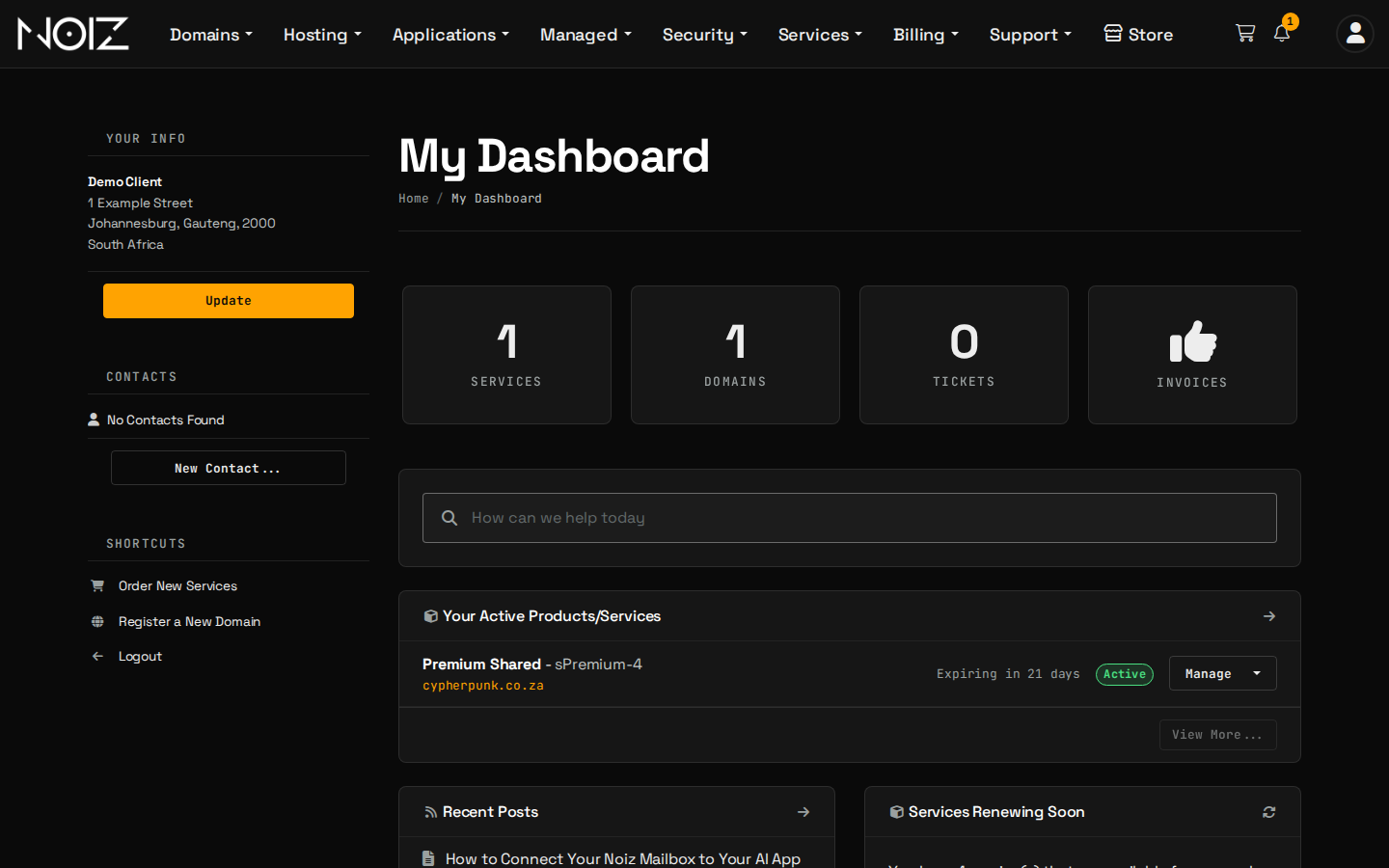
What do you want to do?
| You want to | Go to | Guide |
|---|---|---|
| See and pay an invoice | Billing > My Invoices | How to view and pay an invoice |
| Pay by card and never think about it again | The invoice, once your account pays by card | How to pay your invoice by card and How to pay with Payfast for recurring payments |
| Pay in Monero | The invoice, once your account pays in Monero | Pay with Monero (XMR) |
| Compare payment methods or change how you pay | A support ticket; saved cards are under Account > Payment Methods | How to choose and change your payment method |
| Pay in advance | Billing > Add Funds | How to add funds to your account |
| See a credit note or understand a refund | Billing > My Credit and Debit Notes | How refunds and credit notes work |
| Change your name, email, phone or address | Account > Account Details | How to update your account details |
| Cancel a service, or keep the domain and drop the hosting | The service, then Request Cancellation | How to cancel a service |
| Get a suspended service working again | The overdue invoice | Service suspended: how to reactivate it |
| Stop a domain renewing | Domains > My Domains | How to stop a domain from renewing |
How does billing work at Noiz?
- An invoice is issued before each period starts. Hosting invoices are issued around the end of the month and fall due on the 1st. Domains are invoiced ahead of their renewal date.
- Card payments are automatic. The card you paid with is saved with the payment processor, and each later invoice is charged to it one day before it is due. A failed charge is tried again weekly.
- EFT and Monero are paid by hand, each time, from the invoice.
- Reminders come first. If an invoice is still unpaid after its due date, you receive overdue notices by email, and an unpaid service can then be suspended.
- Payment brings a service back. Pay the invoice and a suspended service is switched on again.
The Billing and Payment Policy holds the exact terms, and the Refund Policy and Cancellation Policy cover the rest.
Which payment methods can you use?
Card (through Payfast or Stripe), EFT (bank transfer) and Monero. Card is the only one that renews by itself. A 10% discount applies to qualifying hosting services paid in Monero. The payment methods guide compares them.
Need a hand?
Open a ticket from the console with your invoice number. How to open a support ticket shows how.